
How to Customize the 'Payable To' Name on Tenant Statements
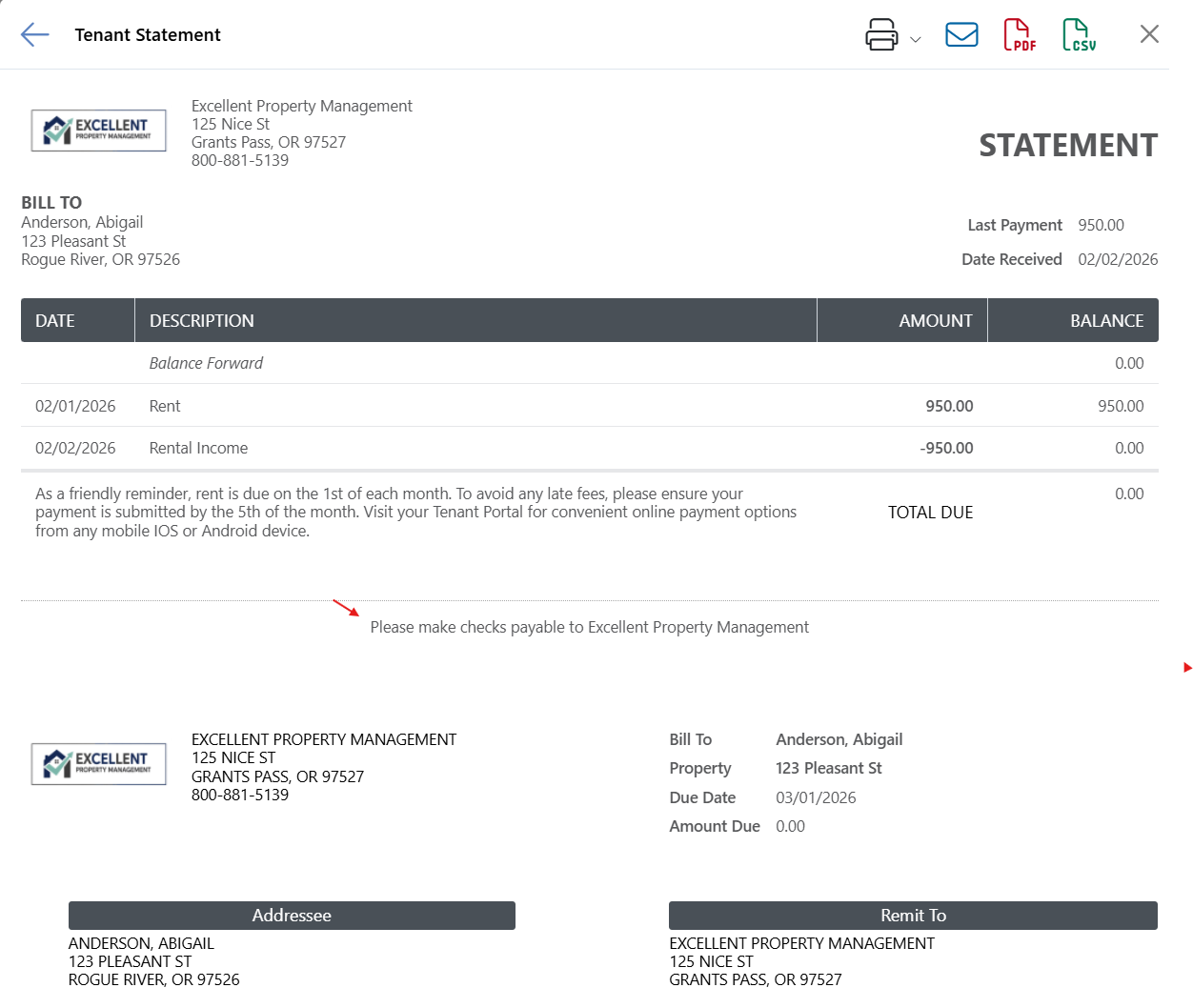
You can configure each property so that the printed statement for a tenant in that property will indicate who the tenant should make a check or money order payable to, or you can choose to leave the 'make checks payable to' message off the statement altogether. (Changing the Payable to does not change the mailing address)
In your Rentec Direct account:
- Click on Properties
- Right-click on the property and choose Edit Property from the drop-down menu
- Under Financial, use the Payable To dropdown to select
- PM accounts: Property Manager, Owner, or Do Not Show
- Pro accounts: Owner or Do Not Show
- Click on Save Changes
System Note: If you are using the Rentec Direct Pro account as a private landlord, you are the owner and manager. If the address needs to be updated, see the steps below.
How to Change Your Company Address
If you need to change only your company's address.
In your Rentec Direct account
- Click on Settings
- Under Account, click on Your Contact Information
- Edit the Address
- Click on Save Changes