
Block SMS Text Messages
You can block unwanted or spam incoming SMS Text Messages in Rentec Direct to help keep tenant communication clean and organized.
Once a number is blocked, future text messages from that number will no longer appear in your account.
Block a Phone Number for incoming SMS Text
In your Rentec Direct account:
- Click Settings
-
Under Tools, click on Utilities
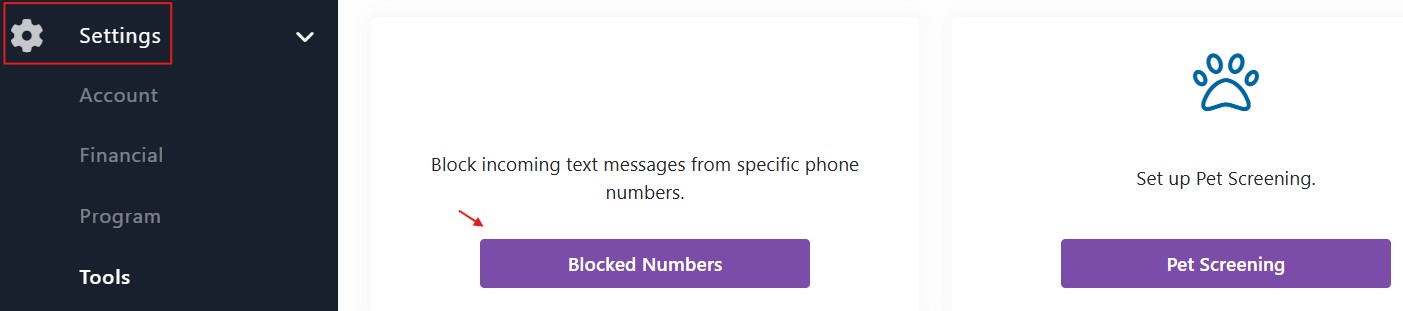
Block incoming SMS text messages
- Click on Blocked Numbers
- Click on +Block a Number
- Enter the phone number and any notes you may want to add
- Click on Block Number
Unblock a Phone Number
If you want to allow messages from a number again:
In your Rentec Direct account:
- Click Settings
- Under Tools, click on Utilities
- Click on Blocked Numbers
- Click the trash can icon next to the number to remove it from the list
Important Note
If you block a tenant's number, make sure to review any lease agreements or communication preferences that may list SMS texting as an approved method of communication for tenants.
This helps ensure tenants still have a reliable way to reach you if texting is their primary contact method.